
3D XR Cinema in Your Phone
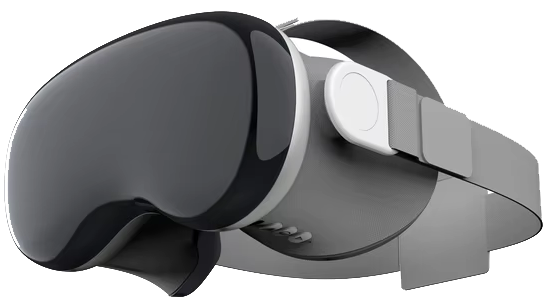
Enjoy movies and videos on a giant virtual screen using an affordable VR headset or full-featured AR/XR glasses.
 Interactive clicker
 ChatGPT assistant
 Voice search
 Gamepad support
 VR supports true 3D
Upgrade Your Phone to 3D
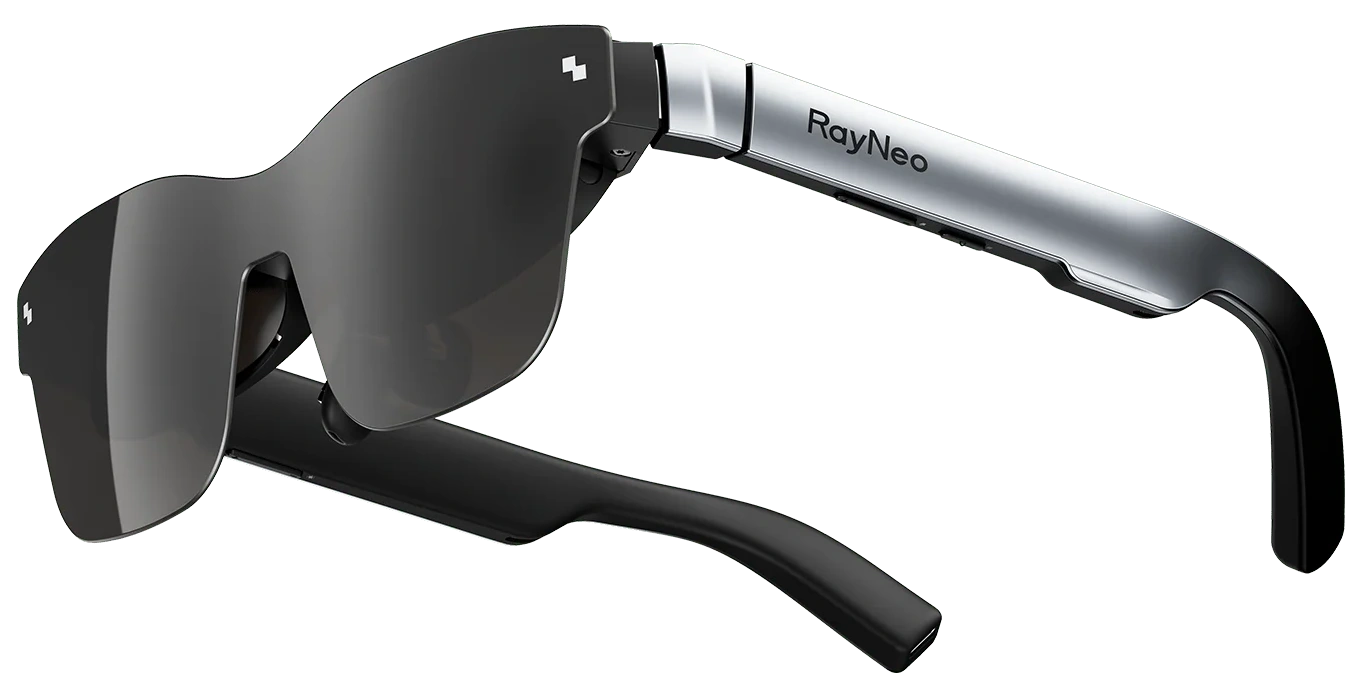
A tiny dongle plus lightweight glasses unlock true 3D depth on Android devices
To enjoy 3D you'll need a 3D Dongle and 3D Glasses. One dongle can serve up to 7 pairs of glasses — perfect for a 3D movie party.
⚡ True 3D requires 90-144Hz FPS Android phone. 240Hz support is coming soon

Install
Get 3D VR Player from Google Play
Plug In 3D Dongle
Connect 3D Dongle to phone USB port
Watch 3D on phone
Start a 3D video, put on your 3D Glasses — enjoy!
Cast 3D to the Big Screen
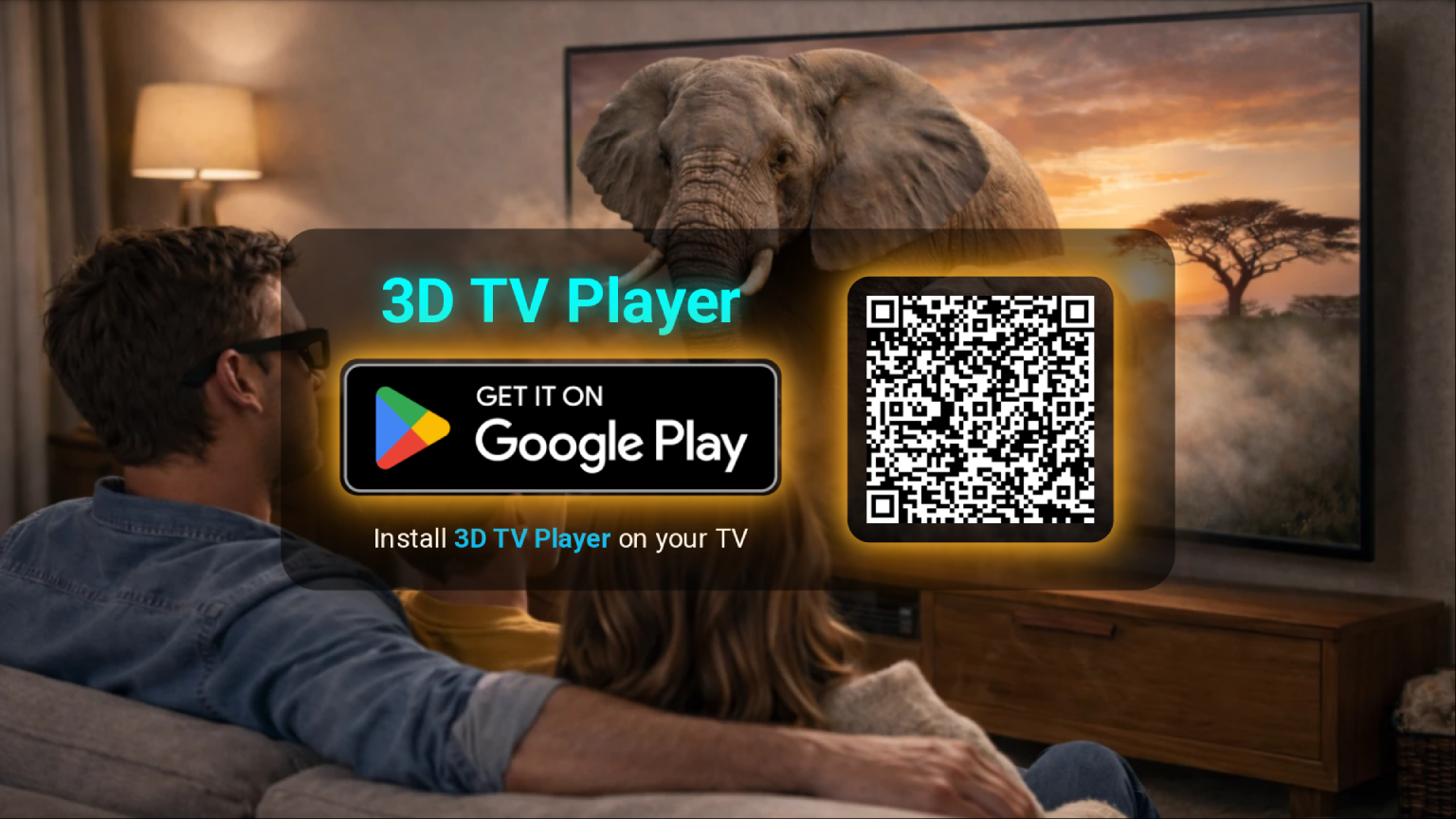
Install 3D TV Player on your TV, TV box, or projector. Once that's done, you're all set to cast 3D content directly from the 3D VR Player on your phone.
⚡ True 3D requires a 90–144Hz FPS TV, TV box, or projector. 240Hz support is coming soon
Install and Start Cast
Install 3D TV Player on TV from Google Play. Start Cast on phone.
Plug In 3D Dongle
Plug 3D Dongle into TV USB port
Watch 3D on TV
Start a 3D video on phone, put on 3D Glasses — enjoy!
Supports Popular Media Apps
3D VR Player supports a wide range of popular media platforms:




Order Accessories
Before ordering, please review:
Device Requirements for True 3D
- OS: Android 10 or newer
- Display: 90Hz – 144Hz or 240Hz
- USB: USB-C with OTG support
General Principles
- Depth perception varies by age, eyesight, and environment
- Lighting, glare, and distractions affect the effect
- Distance and viewing angle impact perceived depth
Health & Safety
- Pregnant women & people with epilepsy should avoid 3D
- Take breaks to prevent eye strain
- Children under 3 should not watch 3D content
Liability
Products are provided "AS IS". Use responsibly and in accordance with applicable laws.

3D Dongle
$45 USDThe 3D Dongle, 3D Glasses, and 3D VR Player bring together immersive 3D to compatible Android phones, TVs, and projectors.
Ships within 2 business days.

3D Glasses
Enjoy stunning, cinema-like 3D with lightweight 3D Glasses, recommended for 3D VR Player and 3D movies.

VR Headset
Experience stunning 3D with this lightweight, low-cost mobile VR headset — perfectly recommended for 3D VR Player.

VR Controller
While you can navigate the VR scene with head tracking, pairing a Bluetooth controller adds ergonomic, gamepad-style control.